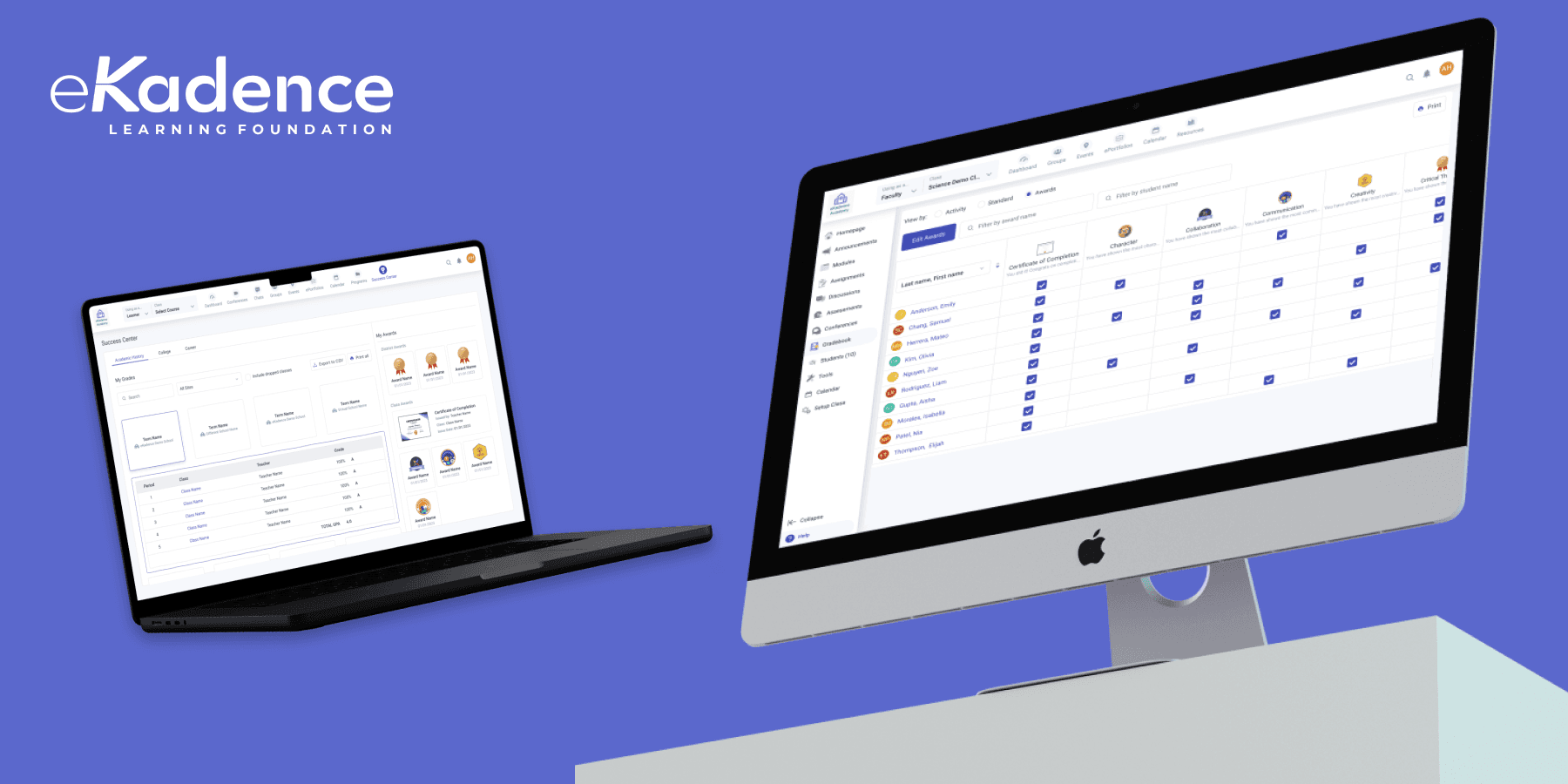
eKadence: Badging & Certificates
Recognizing student growth beyond grades by designing a digital badge system that rewards collaboration, curiosity, and classroom engagement.
What is eKadence?
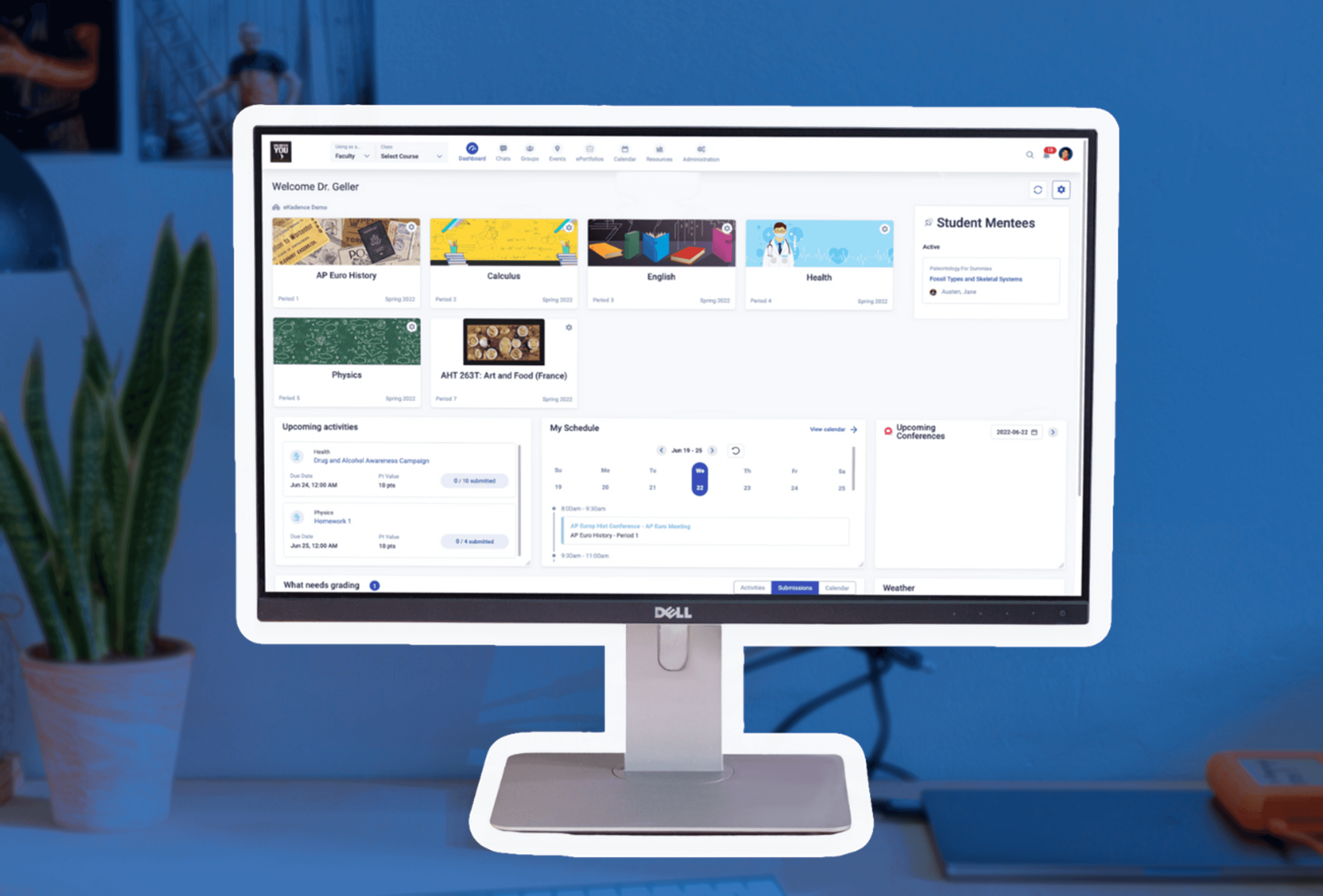
eKadence is a learning management system (LMS) tailored for high school educators and students. It’s mission is to support distanced learning and its vision is to help advance 21st-century learning goals. This vision emphasizes the holistic development of students, integrating soft skills alongside traditional grades.
As the lead product designer on this team, I envisioned and designed innovative features for the LMS, aligning it with the dynamic and evolving landscape of modern education.

Overview
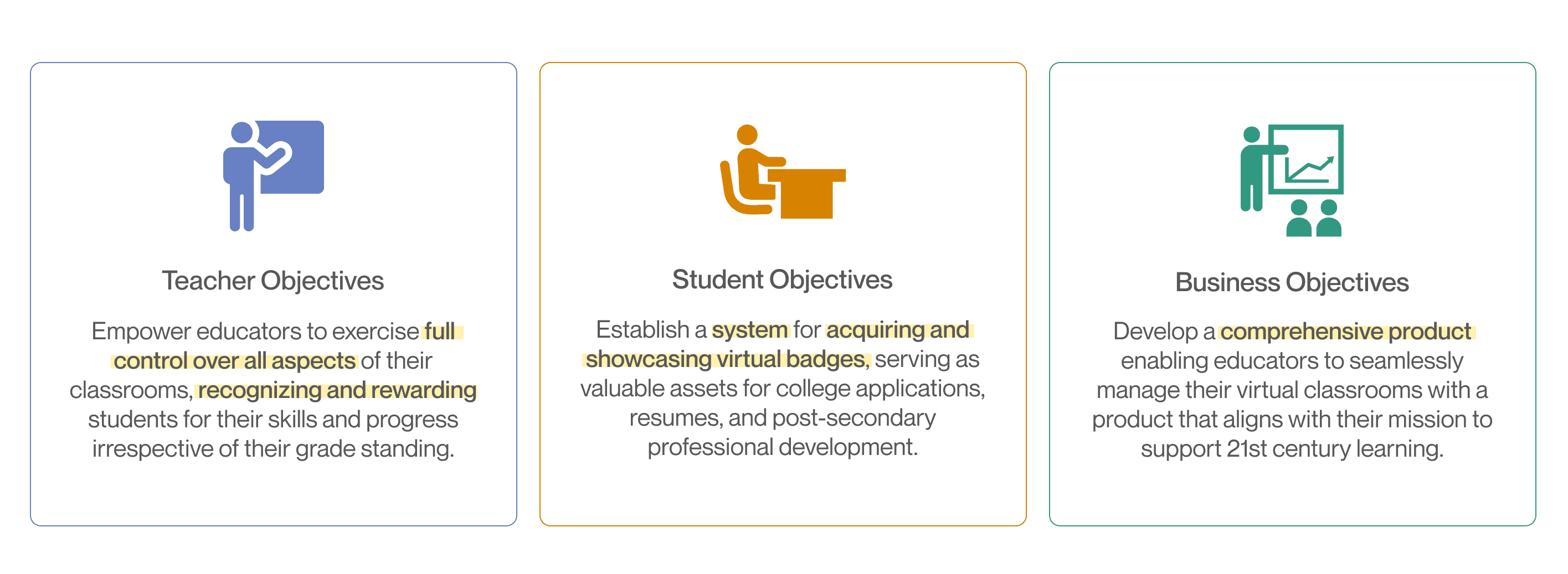
This project brief was given to me by our business development and customer service teams. Teachers, who were utilizing third-party digital badging products, expressed a strong need for a comprehensive badging and certificates feature within eKadence.
The aim of this badging feature was to empower teachers to manage all aspects of their online classrooms efficiently and automate the awarding of specific badges based on academic achievements or milestones as students progress through the course.
Problem
Educators on eKadence lacked a system to efficiently award badges & certificates to their students.
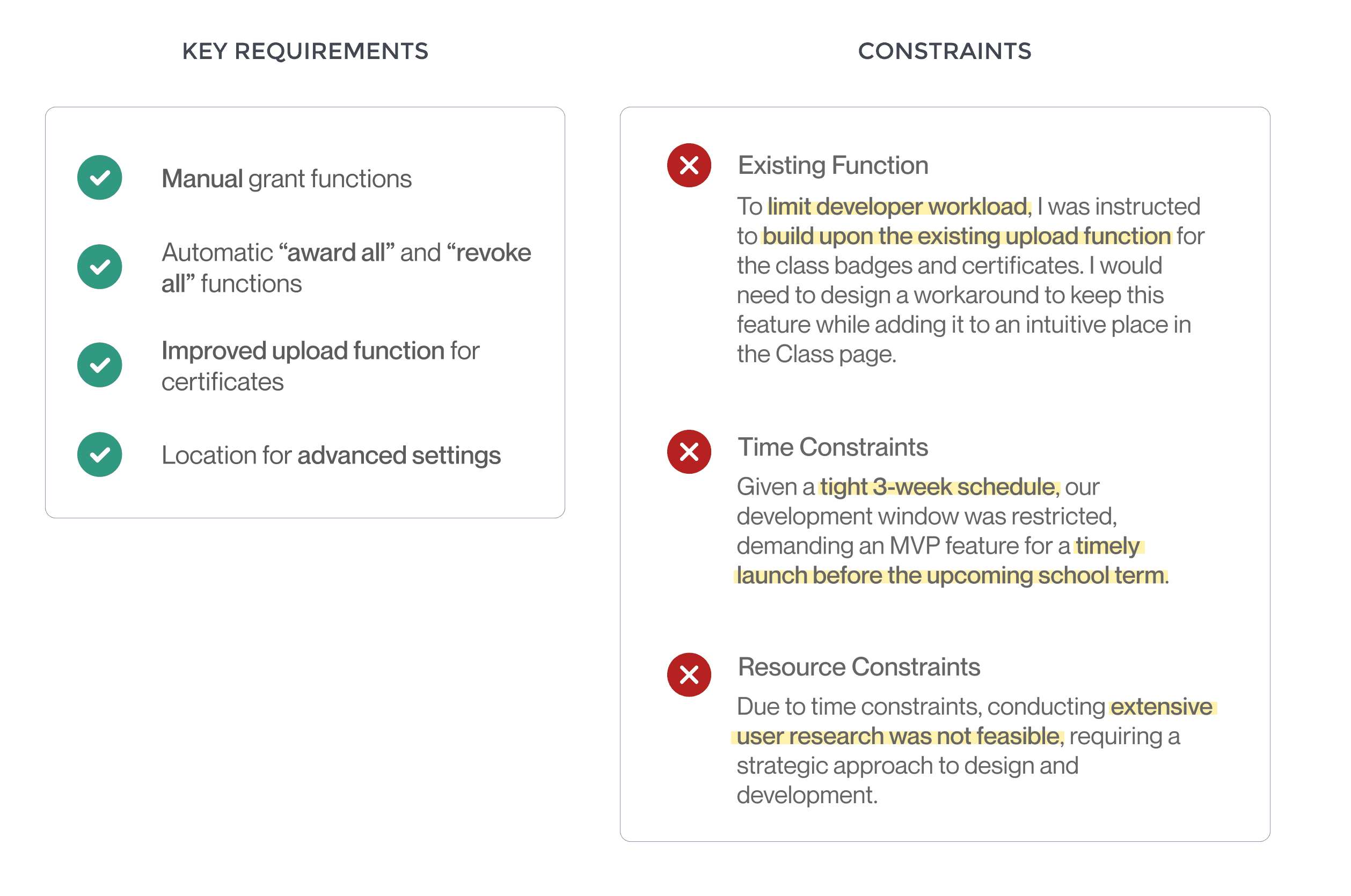
A pre-existing function enabling teachers to upload badge and certificate images had been implemented by our development team and was live in a separate tab of the class’s settings. While teachers had the ability to upload images, the function lacked usability as there was not yet a system to ‘award’ these to students on the class page. My responsibility was to design the remaining components of the feature, allowing teachers to manually award multiple or individual badges and certificates on the Teacher Portal. Additionally, I was tasked with designing a mechanism for students to view these awards on the Student Portal.
Empathy & Research
Delving Deeper into Digital Badging and 21st Century Learning
Through thorough secondary research and competitive analysis, I unearthed the value of digital badging for both students and teachers, informing key features to implement in our design.
Questions to answer:
What is the importance of digital badging to students? How might they use these awards?
Why is it important for teachers to award badges to their students? What are they awarding them for?
How do other systems structure digital badging? What are the most impactful components?
Secondary Research
Why Digital Badging?
The needs for digital badging in a nutshell:
Recognizes skills beyond grades
Digital badges allow educators to recognize competencies that traditional grading systems often miss, such as collaboration, curiosity, and leadership. This supports competency-based learning and makes student growth more visible. [Source]Increases learner motivation
Badges provide clear goals and visible rewards, which can increase student engagement and encourage learners to complete activities and demonstrate mastery. [Source]Supports personalized learning pathways
Digital badges function as micro-credentials that allow learners to track and share specific skills over time, supporting individualized and lifelong learning. [Source]
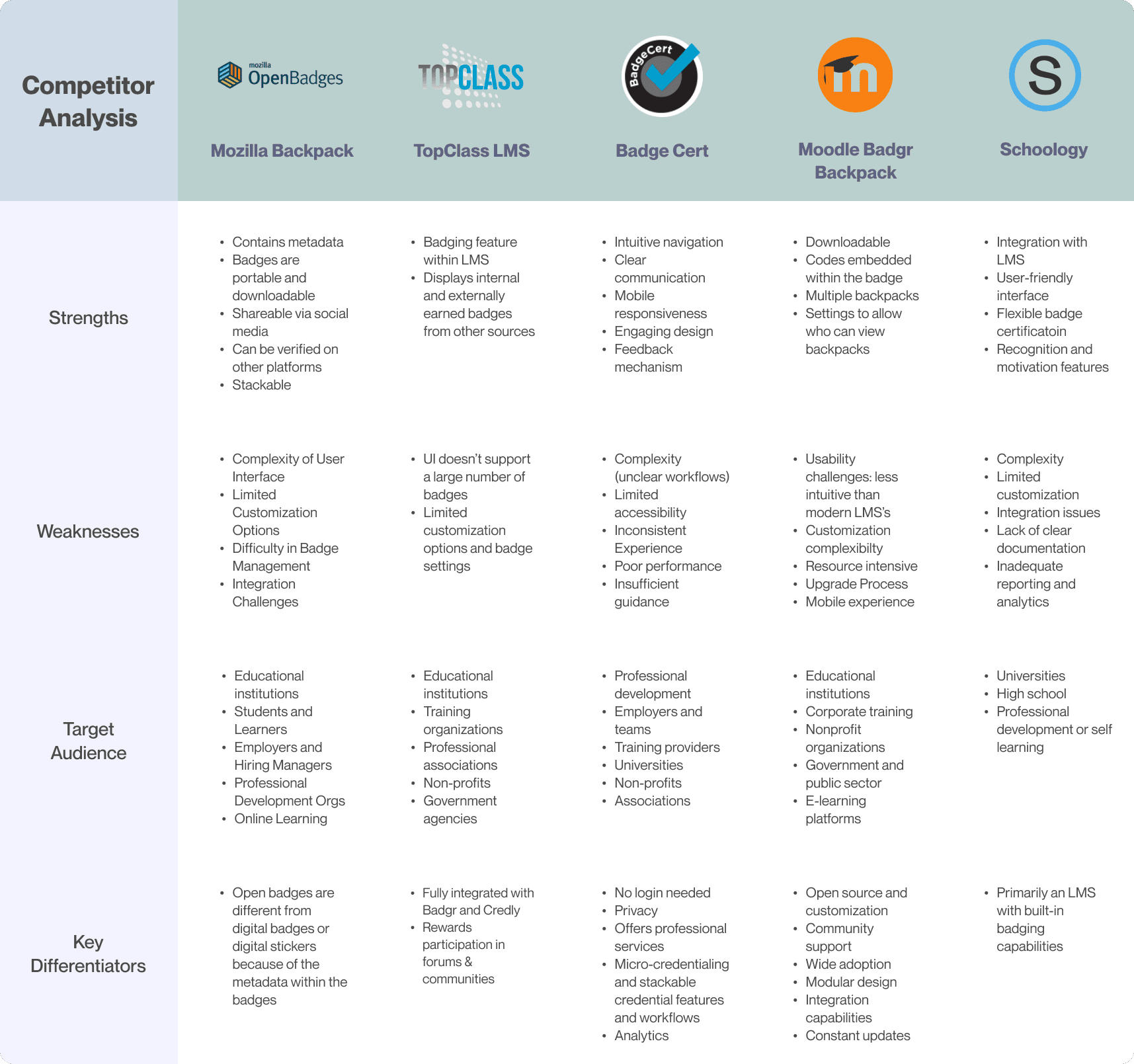
Competitive analysis
How are other platforms supporting digital badging?
Information architecture
Defining User Flows
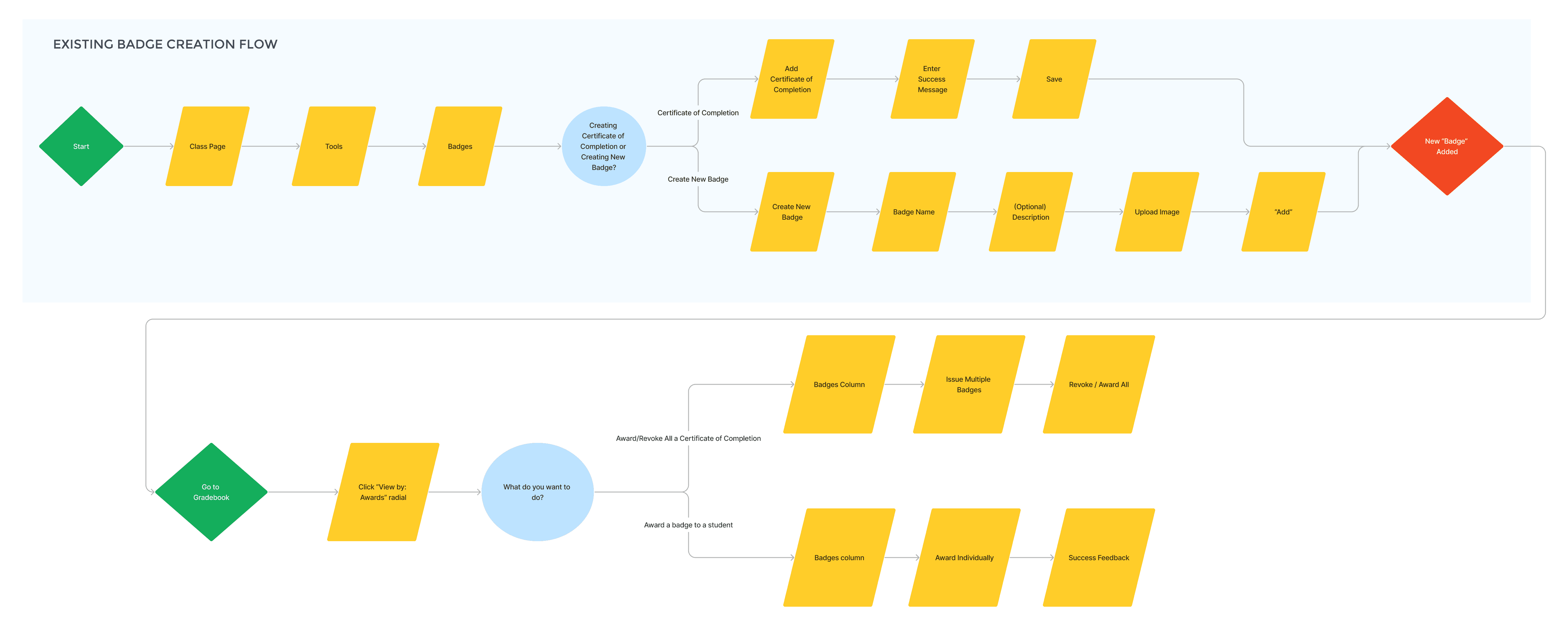
After gaining an understanding of digital badging and analyzing competitor structures, I crafted user flows, ensuring the inclusion of manual, automatic, and upload functions as outlined in the project brief.
A potential user flow for an earlier iteration:
Ideation & Iterations
Strategic Feature Placement
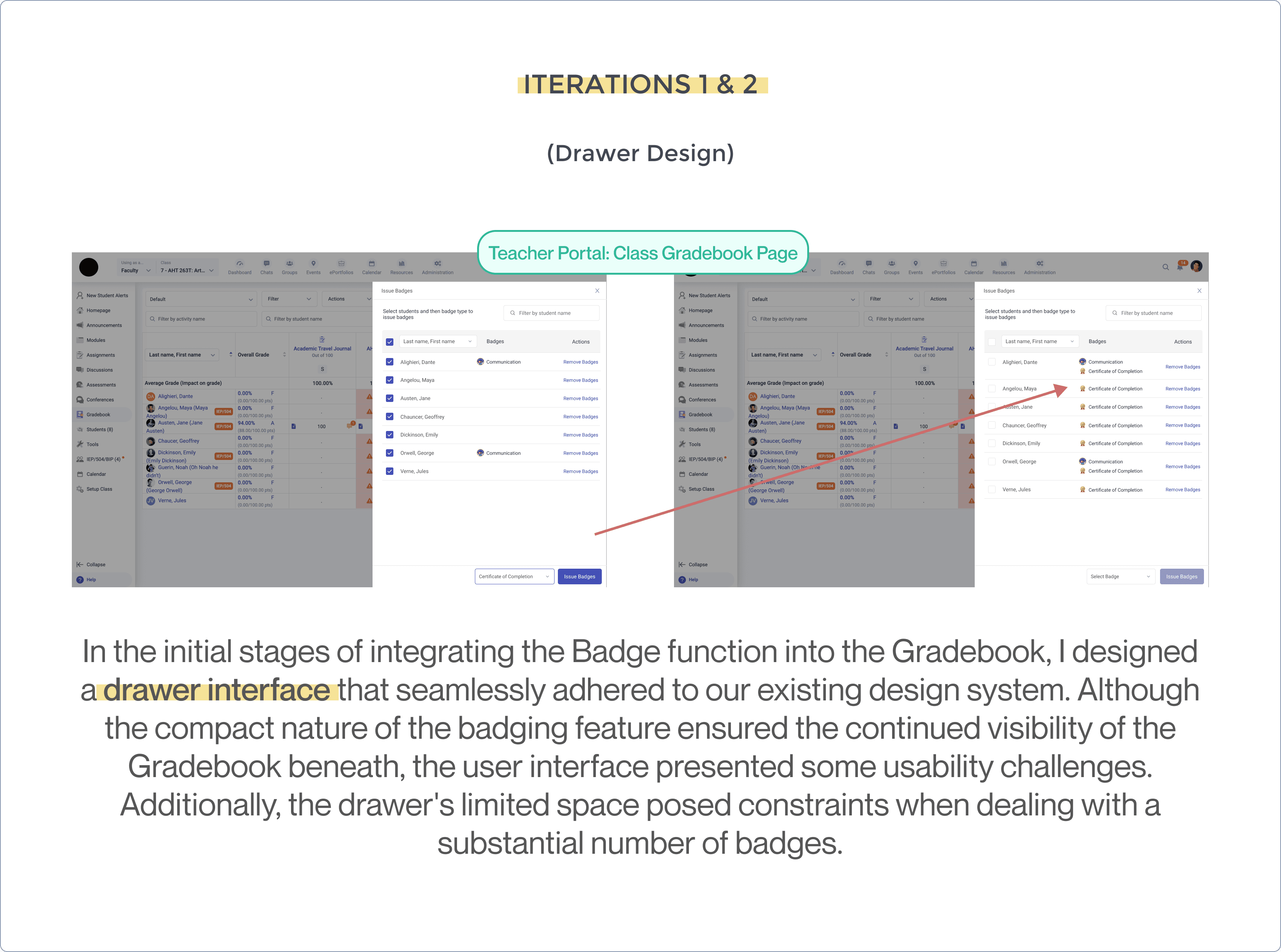
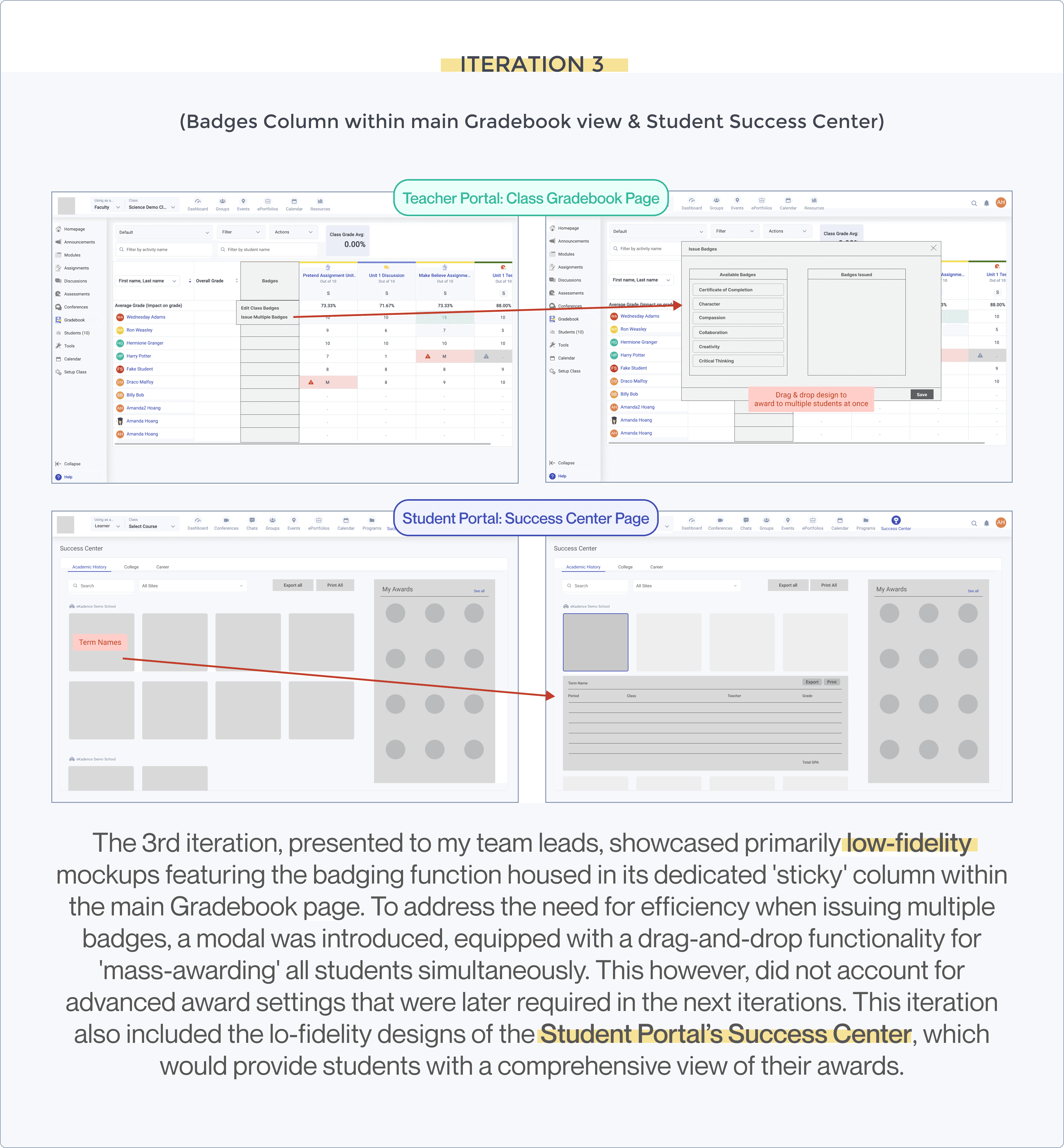
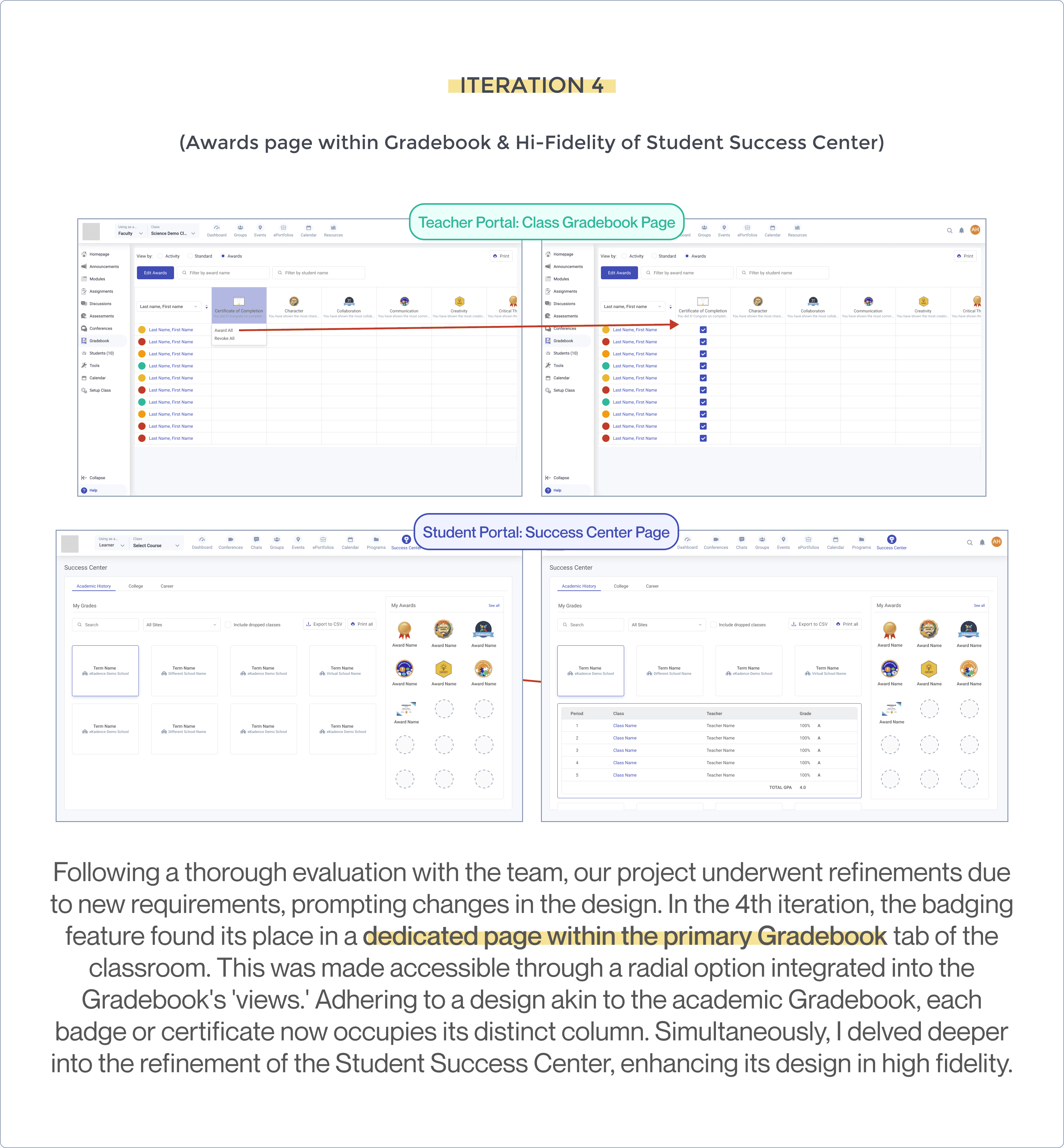
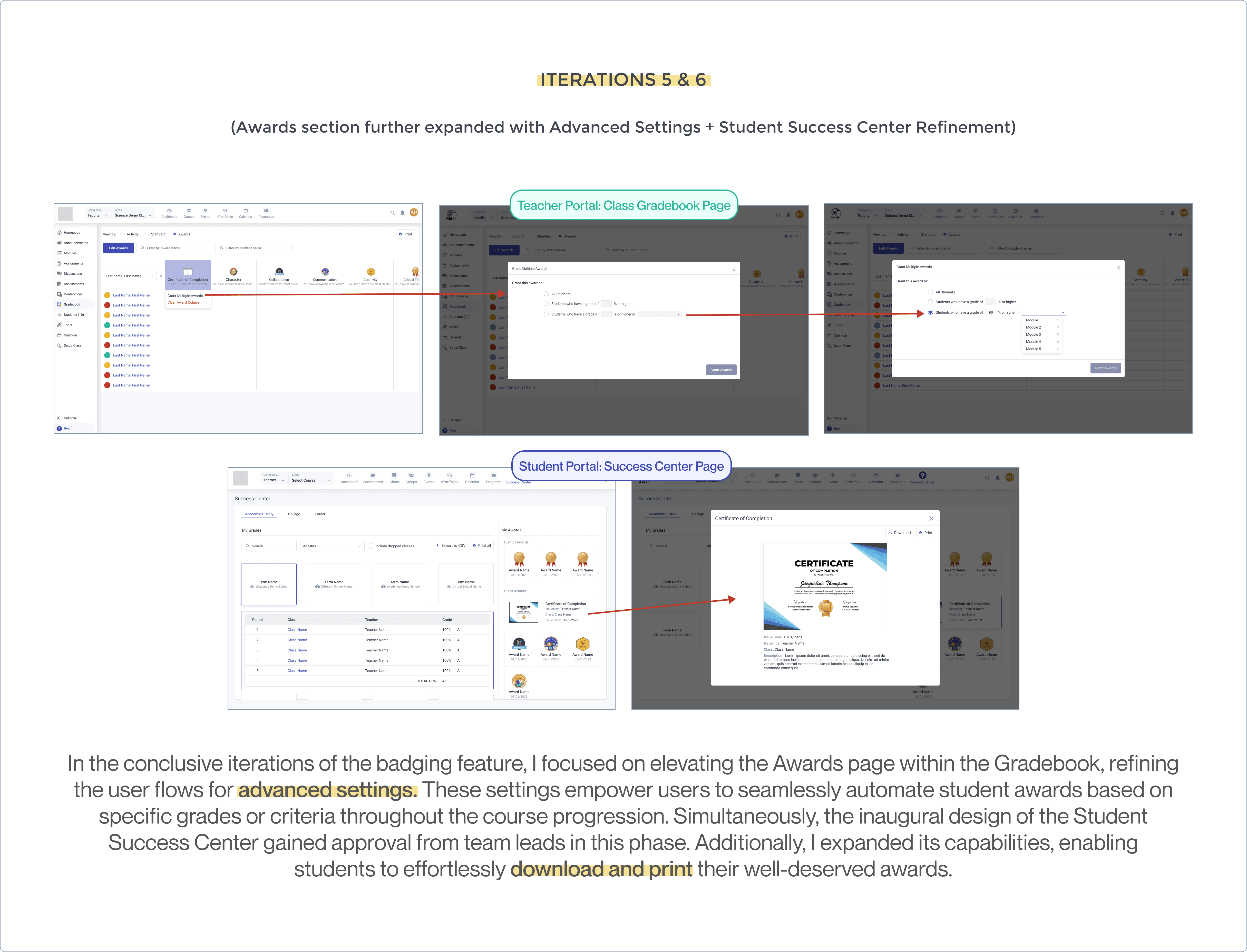
After six iterations at various fidelity stages, I strategically incorporated the new feature into our established classroom sitemap. Opting for placement in the Class Gradebook seemed ideal, as it allowed teachers to efficiently enter grades into the system, particularly for certificates and badges tied to academic achievements. Throughout the iterative process, I explored various interactions within my user flows to optimize the overall user experience.